

Comments
Comments keep a discussion next to the test it is about, instead of in a chat thread nobody can find a month later.
Comment on a test or suite
Section titled “Comment on a test or suite”You can comment on any test or suite, and everyone who has commented there before hears about it.
- Open the test or the suite you want to discuss.
- Open the Comments tab.
- Enter your comment.
- Click Comment.
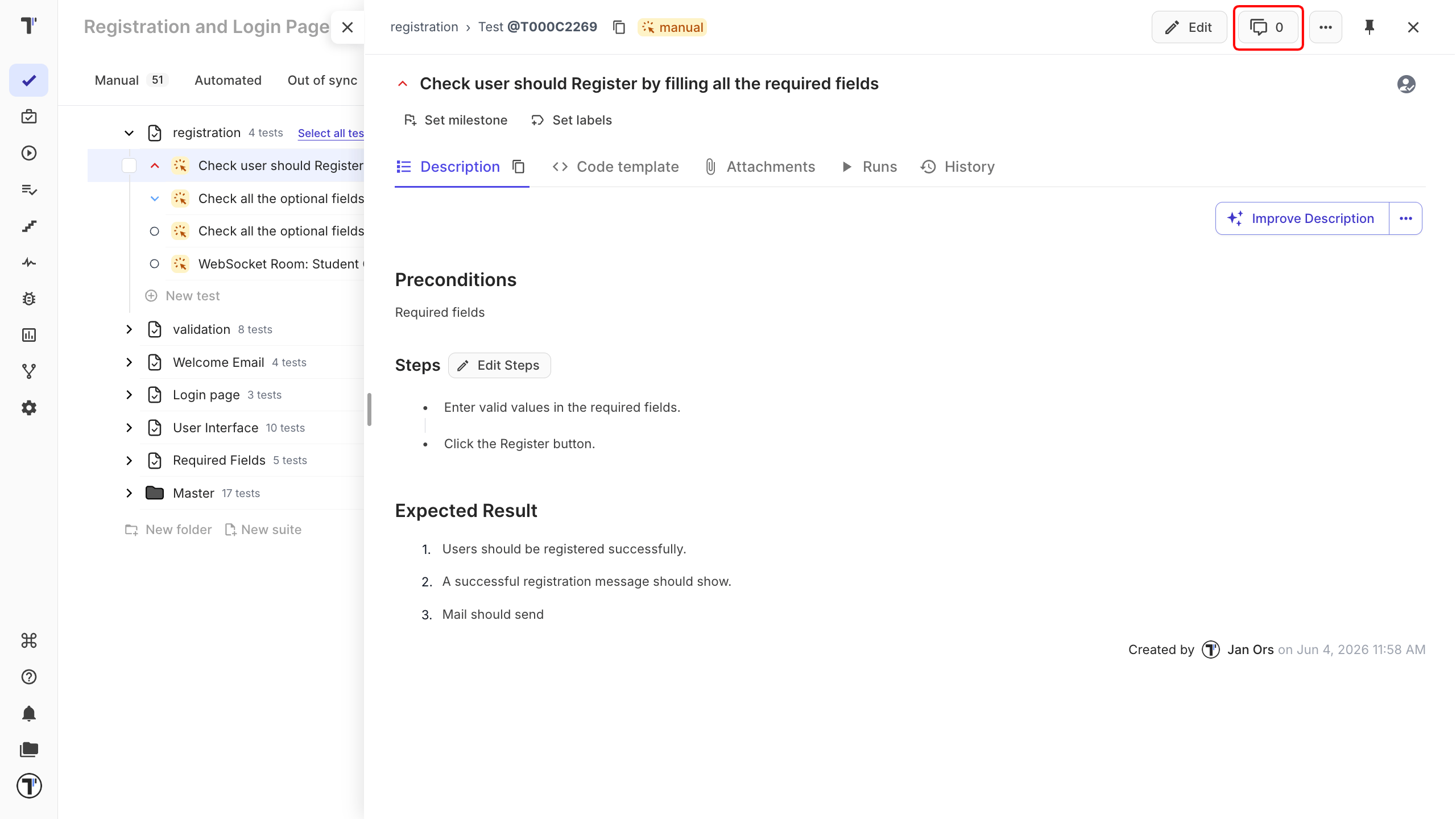
Your comment appears in the thread with your name and the time you posted it.
Mention a teammate
Section titled “Mention a teammate”Type @ followed by a teammate’s username inside a comment. They are notified right away, so a question aimed at one person does not sit unread in a thread they had no reason to open.
Everyone who has already commented on that test or suite is notified when a new comment arrives. For how those notifications reach you, see Notifications.
Comments in shared projects
Section titled “Comments in shared projects”Comments are always project-specific. When a suite is shared with another project, its comments stay in the project they were written in and do not travel with the shared tests.